I built a CLI so AI agents could run my marketing
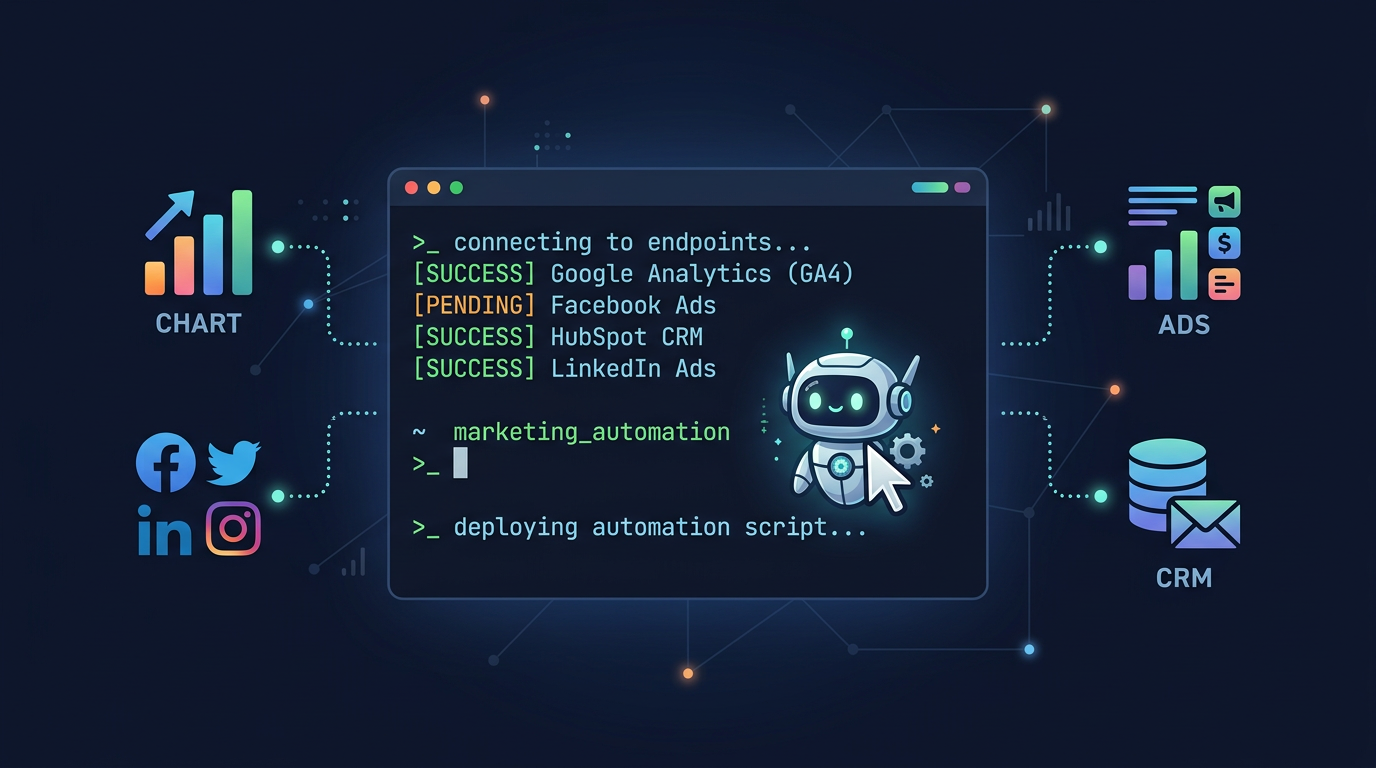
I have been using Claude Code for development work, and it is genuinely good at analyzing data and making recommendations. The problem is getting the data in front of it. Marketing data lives behind browser dashboards. Google Ads, GA4, Search Console — all designed for humans clicking around, not agents running commands.
So I built Marketing CLI. It wraps these platforms into simple CLI commands. Not primarily for me to type into a terminal (though I do that too), but so that AI agents like Claude could pull real marketing data and work with it directly.
The problem: agents can’t log into dashboards
I was using Claude Code daily for writing code and running shell commands. One day I asked it to help analyze a client’s ad performance. It said something like “I’d be happy to help, can you paste the data?” That was the bottleneck. Claude can run bash commands, read files, process JSON. But it has no way to log into Google Ads and pull a campaign report.
What if I gave it a CLI that could?
┌──────────────────────────────────────────────────┐
│                  The Old Way                      │
│                                                   │
│  You: open browser → log in → navigate → export   │
│  You: paste data into Claude                      │
│  Claude: "here's my analysis..."                  │
└──────────────────────────────────────────────────┘

┌──────────────────────────────────────────────────┐
│                  The New Way                      │
│                                                   │
│  Claude: *runs marketing-cli ads performance*     │
│  Claude: *runs marketing-cli gsc top-keywords*    │
│  Claude: "CPA is up 23% on Campaign X. Here's    │
│           why and what to do about it..."         │
└──────────────────────────────────────────────────┘
When Claude can pull the data itself, it asks follow-up questions, cross-references across platforms, and iterates without you playing middleman.
What it covers
One command group per platform:
┌─────────────────────────────────────────────┐
│              marketing-cli                   │
├─────────────────────────────────────────────┤
│                                              │
│  ads        → Google Ads campaigns, budgets  │
│  analytics  → GA4 reports, real-time data    │
│  gsc        → Search Console performance     │
│  linkedin   → Post drafting, analytics       │
│  reddit     → Subreddit search, monitoring   │
│  x          → Tweet composition              │
│  youtube    → Video search, traffic stats    │
│  meta       → Meta/Facebook Ads insights     │
│  images     → AI image generation            │
│  plan       → Campaign planning assistant    │
│                                              │
└─────────────────────────────────────────────┘
Every command supports --format json, which is the whole point. It turns each command into something an AI agent can parse and reason about.
How Claude actually uses it
I tell Claude: “Check how our Google Ads performed last week and flag anything concerning.”
Claude runs:
marketing-cli ads performance --date-range last_7d --format jsonIt reads the JSON output, notices that CPA on one campaign spiked, and then follows up on its own:
marketing-cli ads search-terms --campaign "Brand Awareness Q1" --sort cost --format jsonIt finds three search terms eating budget with zero conversions, and recommends adding them as negative keywords. No alt-tabbing, no copy-pasting.
Another example. I ask Claude to write a weekly client report:
marketing-cli gsc top-keywords --date-range last_28d --limit 20 --format json
marketing-cli analytics report --date-range last_7d --format json
marketing-cli ads performance --date-range last_7d --format json
Claude pulls from three platforms, cross-references organic rankings with paid performance, spots that we are paying for clicks on keywords we already rank #1 for organically, and writes it up with a recommendation to reallocate budget. This kind of cross-platform join is tedious for humans and trivial for agents, if they can get at the data.
Why a CLI and not an MCP server?
I considered building an MCP server so Claude could call it as a native tool. I might still do that. But a CLI has some things going for it.
It works with any agent. Claude Code, OpenClaw, custom scripts, cron jobs — anything that can run a shell command can use it.
It works for humans too. marketing-cli gsc top-keywords --limit 5 is faster than opening Search Console.
It is easy to test. Run the command yourself, see the output, check it. Add --verbose if something looks wrong.
It composes. Pipe to jq, redirect to a file, chain with &&. Standard Unix stuff that agents already understand.
Zero dependencies
AI agents install and build tools all the time. The fewer things that can break during setup, the better.
Marketing CLI is pure TypeScript on Bun. No axios, no commander, no chalk. Arg parser, table formatter, OAuth flow — all from scratch. The whole project is 46KB.
git clone https://github.com/usood/marketing-cli.git
cd marketing-cli
bun install   # installs nothing (just dev types)
bun run build # produces a single binary
An agent can clone, build, and start using this in under 30 seconds.
Setup
Build
git clone https://github.com/usood/marketing-cli.git
cd marketing-cli
bun install
bun run build
ln -s $(pwd)/dist/marketing-cli /usr/local/bin/marketing-cli
Authentication
The one-time OAuth setup needs a human (you click “authorize” in a browser). After that, tokens refresh automatically and agents use the CLI freely.
marketing-cli login \
  --client-id YOUR_CLIENT_ID \
  --client-secret YOUR_CLIENT_SECRET
For LinkedIn and Meta:
marketing-cli linkedin login --token YOUR_TOKEN
marketing-cli meta login --token YOUR_TOKEN
Tokens are stored in ~/.marketing-cli/config.json. Once authenticated, everything is headless.
How I use it
1. Morning triage
I have a Claude Code slash command that runs a morning marketing check. Pulls data from Ads, GA4, and GSC, compares against the previous period, and gives me a summary. I read three paragraphs instead of clicking through three dashboards.
2. Client audits
When onboarding a new client, I point Claude at their accounts and say “run a full audit.” It pulls keyword data, ad performance, organic rankings, and site analytics, then writes up findings. Half a day of work compressed into a 20-minute conversation.
3. Ad hoc investigations
“Why did traffic drop last Tuesday?” Claude runs the commands, compares date ranges, checks if any campaigns paused, looks for ranking drops in GSC, and gives me an answer.
4. Cross-platform analysis
“Are we cannibalizing our organic rankings with paid spend?” This needs data from both Google Ads and Search Console. Manually, that means exporting CSVs from two platforms and matching keywords in a spreadsheet. Claude runs both commands and does the join in memory.
What I want to add
MCP server wrapper, so Claude can call these as native tools instead of shelling out. The CLI would still exist for direct use.
Saved playbooks. “Run the weekly audit” as a single command that executes a predefined sequence.
More platforms. TikTok Ads and Pinterest are next. Adding a new platform is mostly just writing the API client and command handlers.
Write support. Right now the CLI is read-only (plus LinkedIn draft posting). I want to add the ability to pause campaigns, adjust bids, and add negative keywords directly. With confirmation prompts so an agent does not accidentally pause your best campaign.
The thing I keep coming back to
AI agents can do real analytical work now, but most marketing platforms were built for humans sitting in front of browsers. If you build tools and an agent can only use them by having a human copy-paste the output, there is a gap. A CLI fills it.
Source: github.com/usood/marketing-cli